It reads and writes NFC tags — and tells you the truth about what it finds.
Hold a tag to your iPhone and you get the chip type, its unique ID, everything stored on it, and a full memory dump — not just the message, but the capability container, the lock bytes, the configuration pages and the counter. Then write your own, in eighteen different formats.
After writing, the tag is read back and checked against what you sent. A mismatch is reported, not passed off as success.
Capacity check before you tap — which tags the message will fit on
Batch mode keeps the session open, tag after tag, with a running count
Clone a tag you like straight onto a blank one
Dumps that leave the app
Export any memory dump as raw binary, annotated hex, or a Flipper Zero .nfc file — the last only for chips we can name that carry a 7-byte UID, because Flipper refuses a file it cannot type.
History & templates
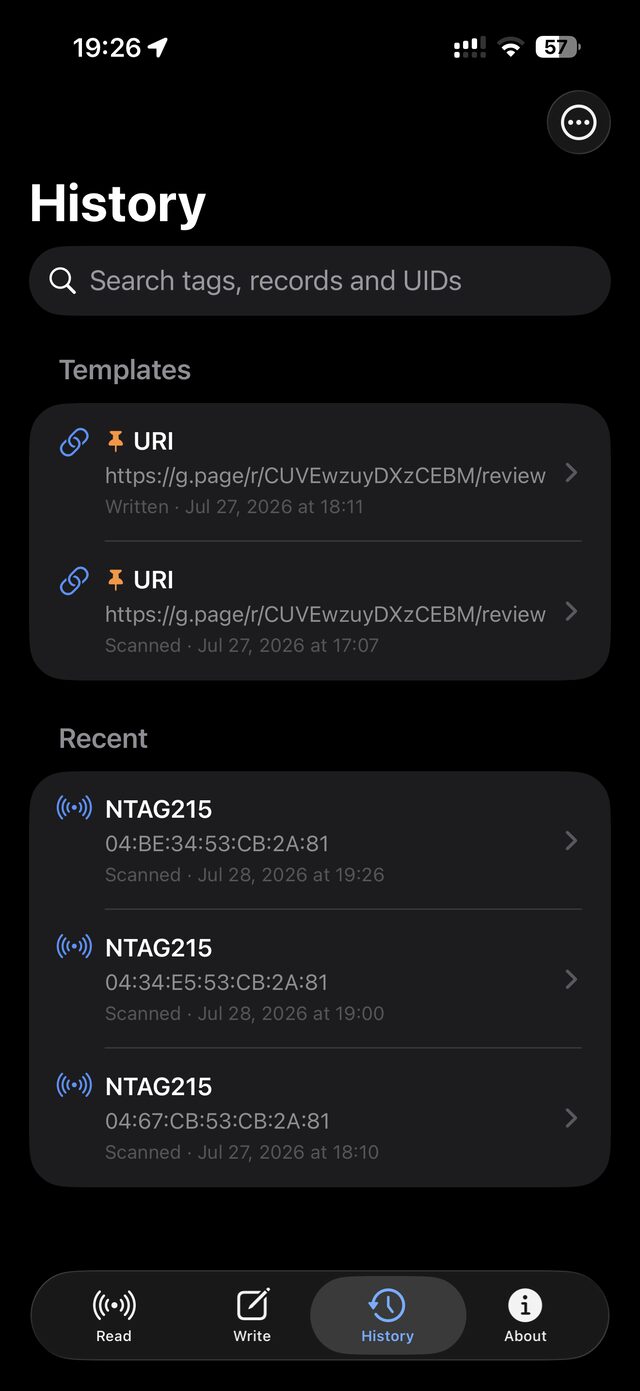
Every scan and successful write is saved, searchable, and reloadable into the Write tab. Pin a message as a template and it sorts to the top and survives the 200-entry cap.
Import and export the whole history as JSON via Files
Shortcuts, Siri and Action Button — "Scan a tag with AvitaNFC"
Nothing leaves your phone
No account. No sign-in. No analytics. No ads. No third-party code of any kind. Your tag history is a single file on your iPhone and never leaves it unless you export it yourself.
Does not read payment cards — the identifiers aren't even declared
Erase, make read-only, or format a blank tag as NDEF
02
02 — The AppCaptured on iPhone, not mocked up
Every screen, as it ships.
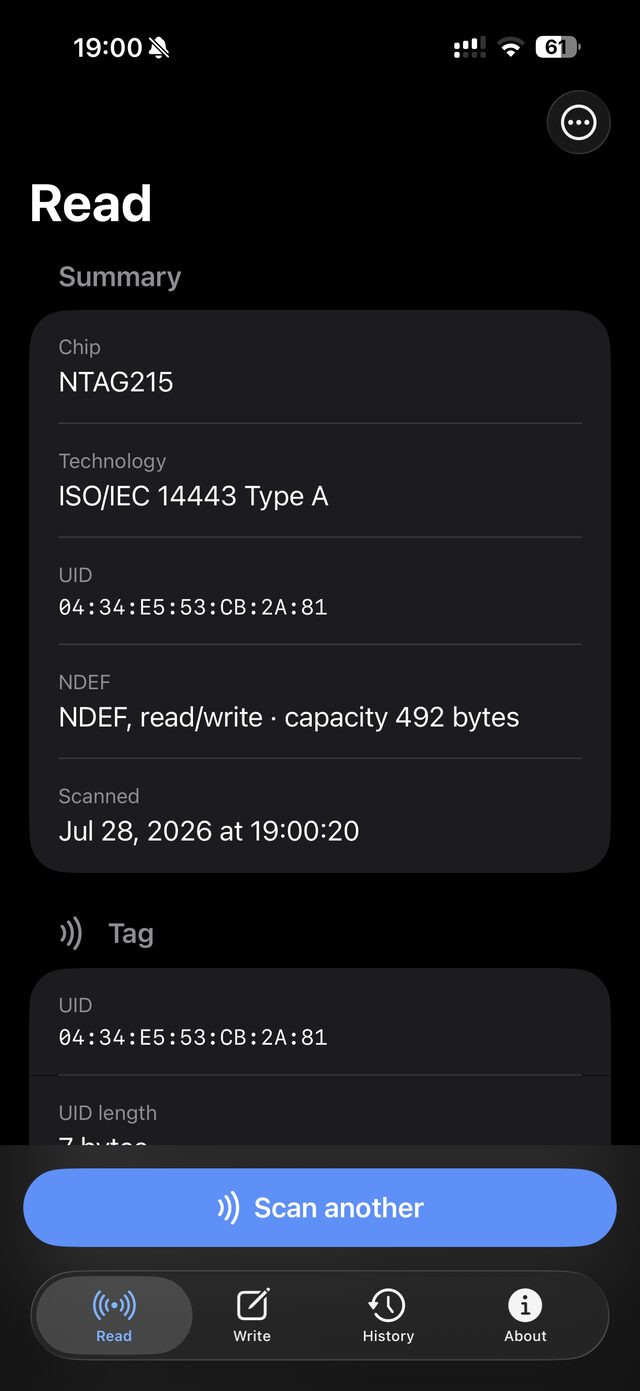
ReadChip, technology, UID and NDEF capacity the moment a tag lands.
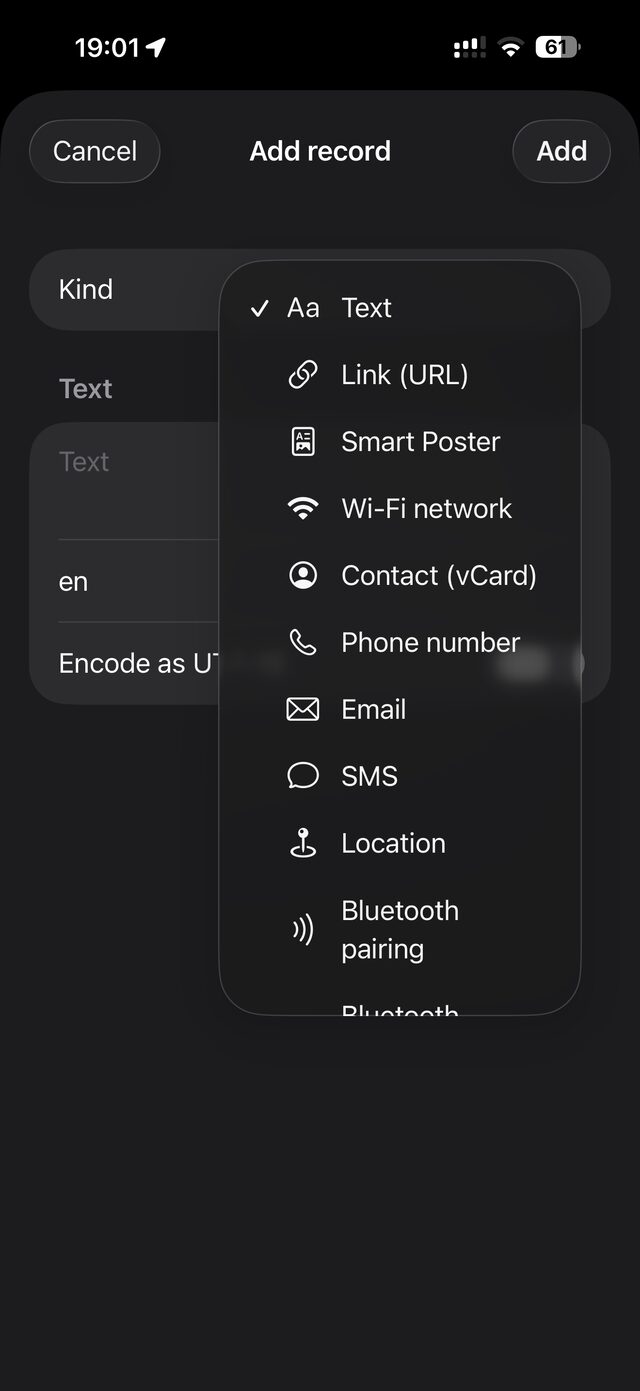
Eighteen formatsStaged into one message — a link, a vCard and an AAR on the same tag.
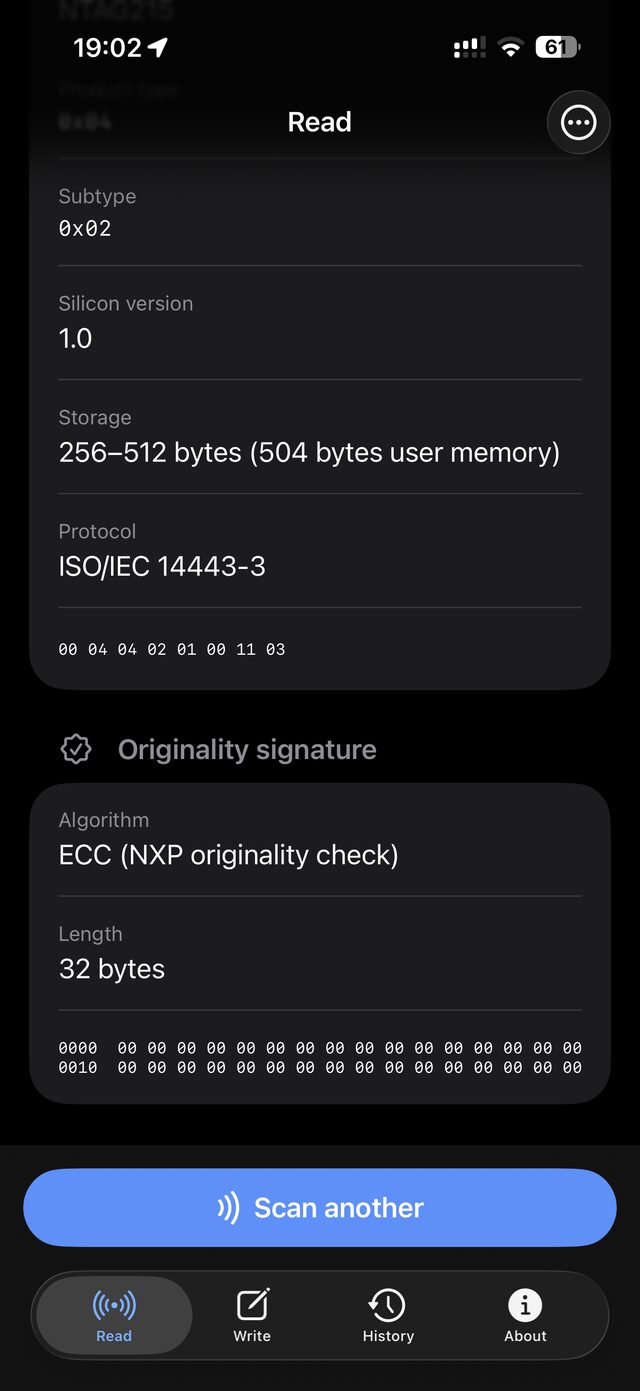
The raw layerSilicon version, storage, originality signature and the bytes themselves.
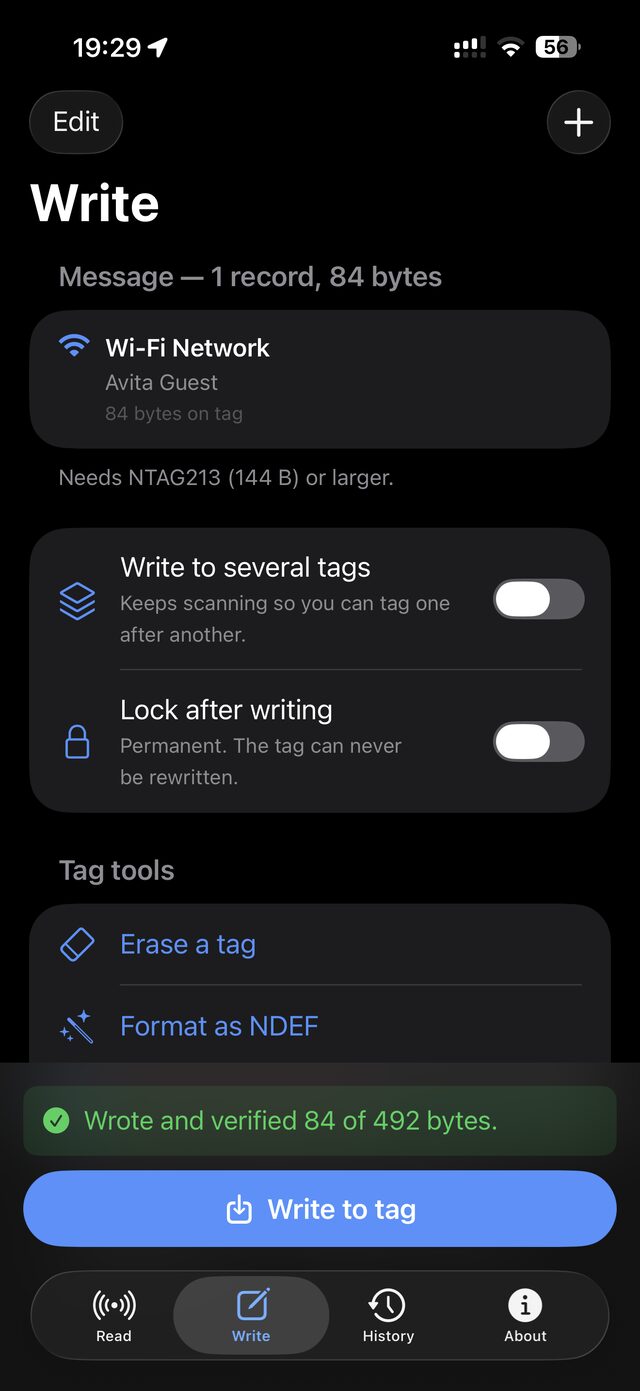
Verified writesRead back and checked — “wrote and verified 84 of 492 bytes.”
History & templatesSearchable, pinnable, and reloadable straight into the Write tab.
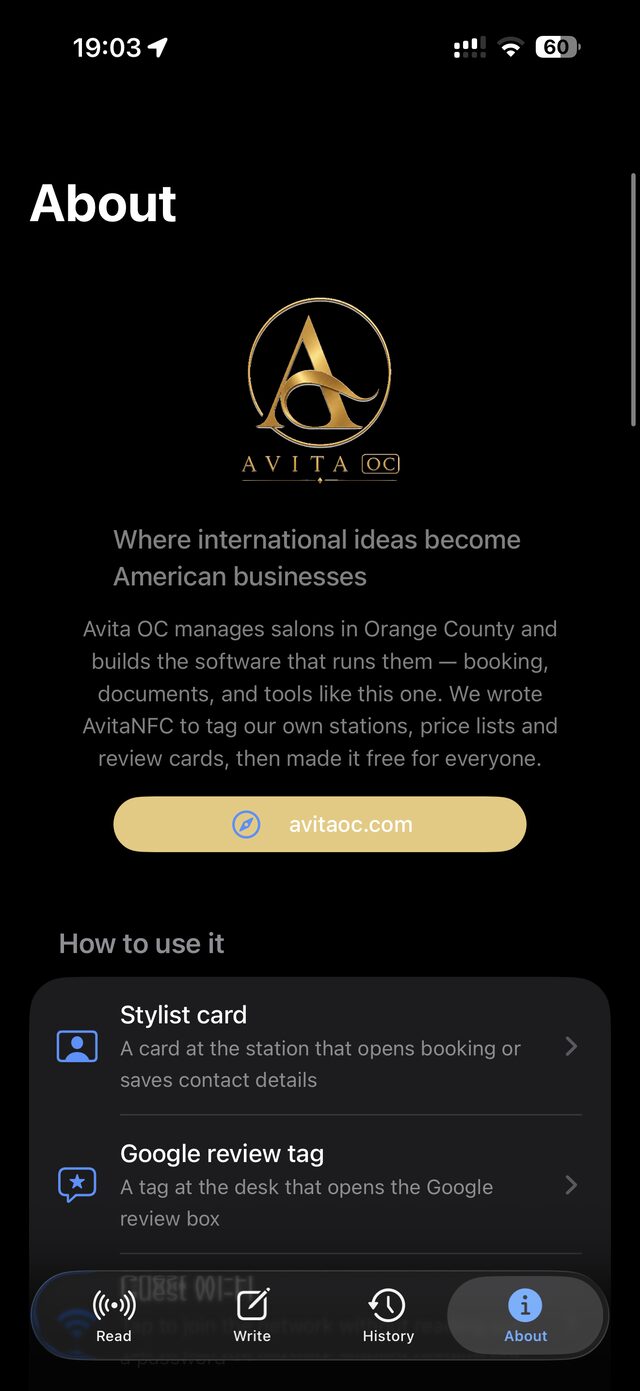
Built by Avita OCThe studio that runs the salons this app was made for.
03
03 — PlainlyTold here, and in the app
What no iPhone app can do.
MIFARE Classic
Cannot be read or written. Most building fobs, gym cards, hotel keys and older access badges are Classic, and Apple has never implemented its cipher. No iPhone app can copy them — not this one, not any other.
Wi-Fi tags don't auto-join
Android connects from a tap; iPhone shows the network details and stops there. The tag is still written correctly — iOS just won't act on it.
125 kHz cards
A different radio entirely. The iPhone cannot see them at all, regardless of software.
No card emulation
The iPhone cannot pretend to be a tag. Emulation needs an Apple entitlement granted only to specific commercial programmes.
04
04 — In PracticeBuilt-in guides tell you which chip to buy
Tags people actually make.
A stylist card that opens booking
Tap the card, the booking page opens. No app, no QR code, no typing. The tag that turns a business card into a filled chair — and the reason this app exists inside a company that runs salons.
A review tag for the front desk
A Smart Poster pointing at your Google or Yelp listing, with a title so the notification reads properly. One tap on the way out.
Guest Wi-Fi
Share access without reading a password out loud. Written as a proper Wi-Fi credential record — instant on Android, shown as details on iPhone.
A business card that saves itself
A vCard record, so a tap drops your details straight into their contacts. Stack it with a URL and an Android Application Record on the same chip.
05
05 — Specification
The details.
Platform
iPhone only. No iPad has an NFC reader. Requires an iPhone 7 or later — the Simulator has no NFC radio, and the app says so rather than failing quietly.
Requirements
iOS 17.0 or later. Built and verified against Xcode 26.6 / the iOS 26.5 SDK.
Text · URI · Smart Poster · Wi-Fi · vCard · phone · email · SMS · geo · Bluetooth BR/EDR and LE (bare carrier or Handover Select) · Android Application Record · JSON · arbitrary MIME · external type · absolute URI · raw records · empty record
Export
Raw .bin · annotated hex · Flipper Zero .nfc · plain-text scan report · full history as JSON
Integrations
Shortcuts, Siri and the Action Button. A scanned web address can be handed off to a nearby Mac or iPad.
Privacy
No account, no sign-in, no analytics, no ads, no third-party SDKs. History is one local file.
Built by
Avita Software Studio — the in-house product team at Avita OC, which manages salons in Orange County and builds the software that runs them.
AvitaNFC is one of the products our in-house studio ships. The same team is available as a standalone engagement — native iOS and macOS, multi-tenant platforms, and AI wired into real operations.